UI/UX Design
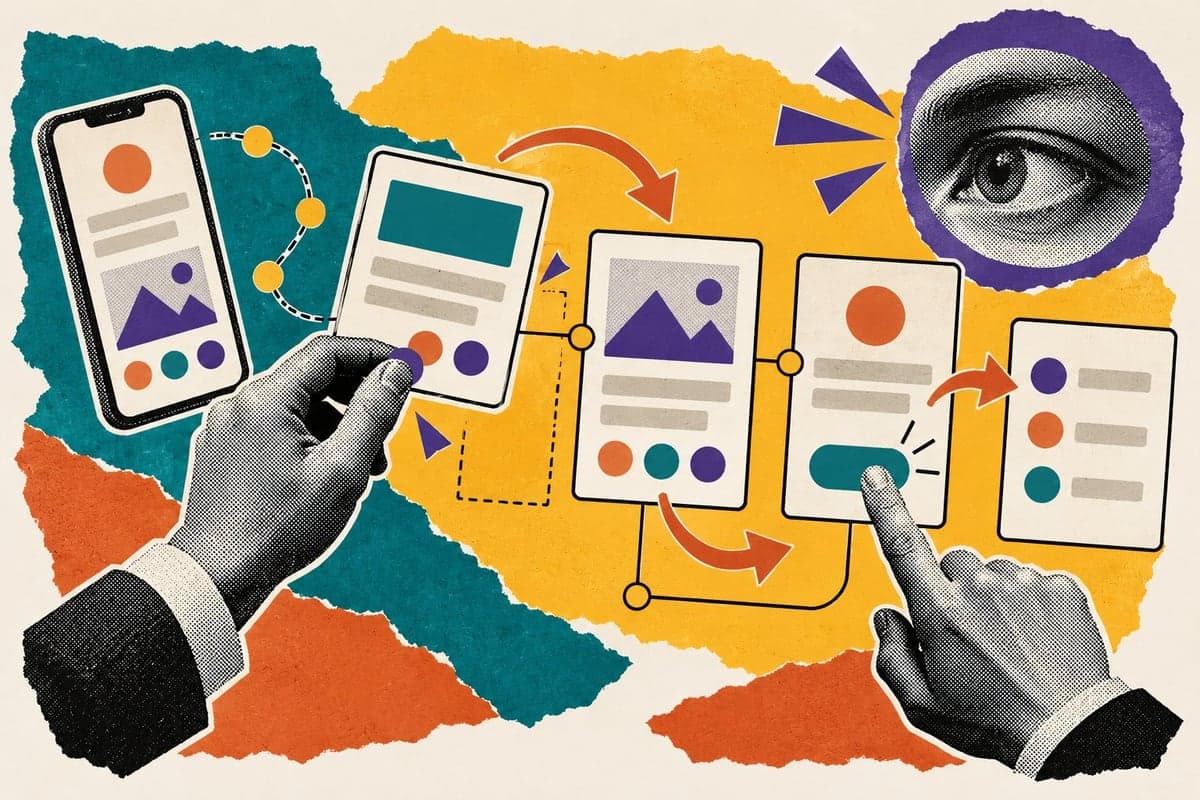
Research, user flows, wireframes and clickable prototypes — so your website or app is obvious to use, and the path from landing to enquiry has as few steps as possible.
7
In-house specialists on your account
100%
In-house — nothing outsourced
Worldwide
Delivery, timezone-flexible
Yours
Every account, file and asset
The problem
Visitors arrive, look around and leave — not because the offer is wrong, but because the page made the next step hard to find.
How we solve it
We design the structure before the decoration: who the user is, what they came to do, and the shortest path to doing it. Every screen is then designed and tested as a clickable prototype before anything is built.
Best for
- Products with traffic and few conversions
- Teams building a new app or platform
- Websites that feel confusing to use
- Developers who need clear designs to build from
Everything you get.
Handled by our own team, start to finish — and every account, file and asset stays in your name.
User research
Who your users are, what they need and where they get stuck today.
User flows
Every journey mapped step by step, before a single screen is designed.
Wireframes
Layouts that settle structure and priority — quick and cheap to change at this stage.
Visual UI design
Polished screens for desktop and mobile, including empty and error states, in your brand.
Clickable prototypes
Try the experience before it is built, and catch problems while they are still easy to fix.
Developer handover
A component system and specs your developers can build from directly, with contrast and accessibility checked.
From first message to finished work.
Research
Users, goals and the friction points in what exists today.
Structure
User flows and wireframes that settle what goes where.
Design
Visual screens for every device and every state.
Prototype and hand over
A clickable prototype to test, then a clean handover for development.
Platforms and deliverables
What we work with.
- Websites
- Web apps
- Mobile apps
- Dashboards
- Landing pages
- Design systems
- Clickable prototypes
Asked and answered.
Something else on your mind? It’s a one-message answer away.
01What is the difference between UI and UX?
UX is how it works — the structure, the flow and the steps. UI is how it looks — the screens, type and colour. We do both, in that order.
02Can you design for our existing developers?
Yes. We hand over designs and a component system your developers can build from, and stay available for their questions.
03Do you check accessibility?
Yes. Contrast, text sizes and tap targets are checked as we design, not bolted on at the end.



Tell us what’s not working.
One message on WhatsApp is enough to start. We reply within 24 hours with a straight answer on what we’d do first.